
Create an Account and Join by Invite Code
follow these simple steps to get logged in:
Visit the login page here: app.onlinememberdirectory.com and click a Sign Up option (under the login button).
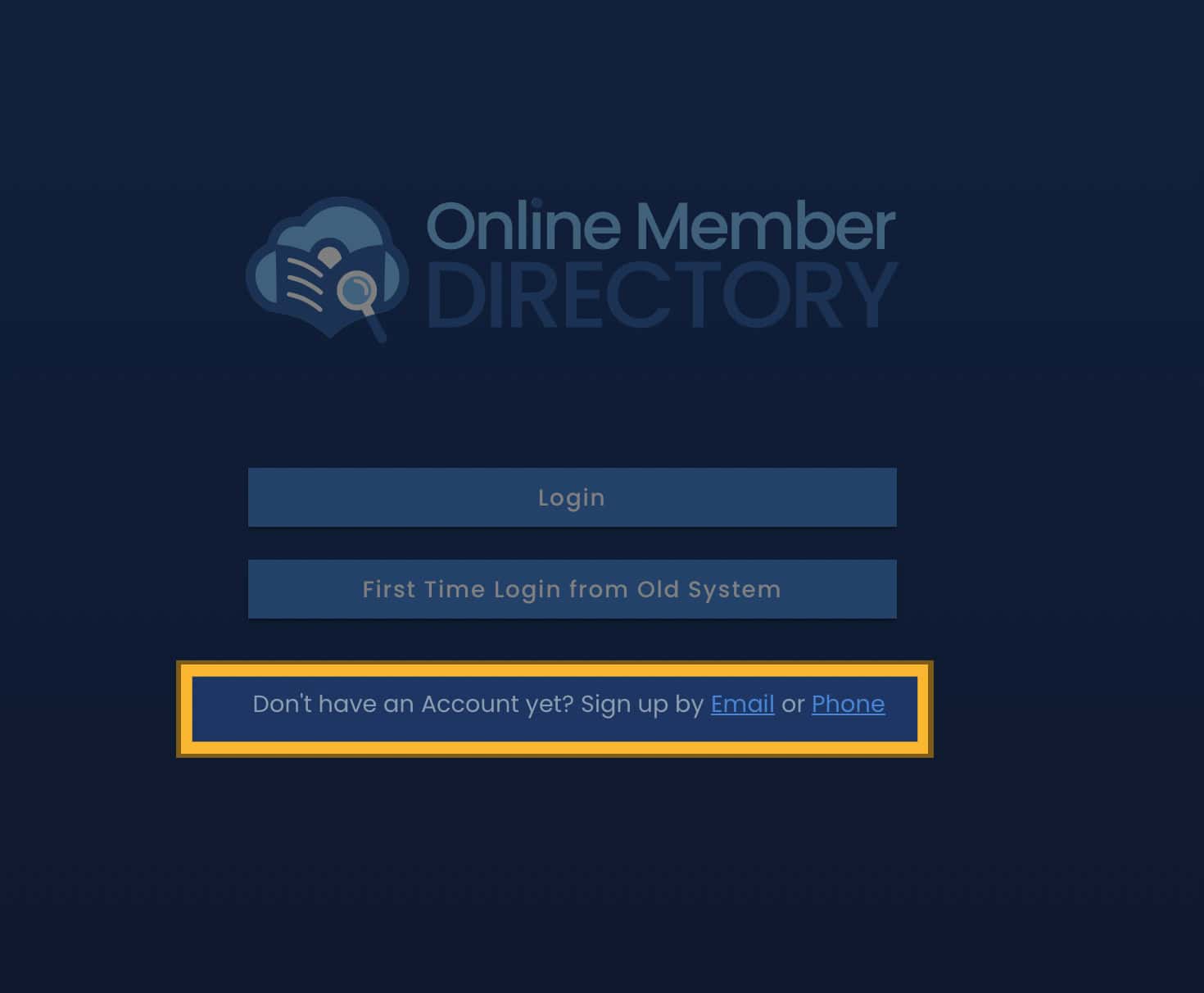
Set up your new account by following the on screen prompts to complete your new profile account.
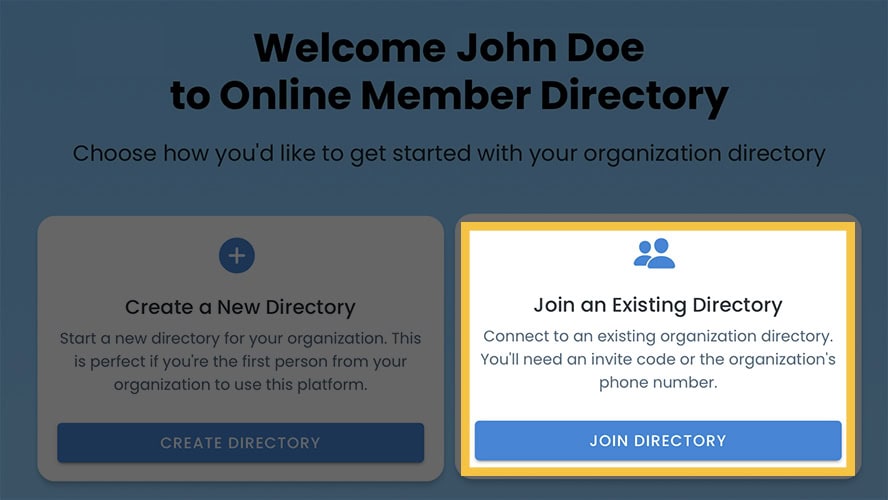
Next, you will be given the option to create a new directory or join an existing Directory. Click Join Directory.
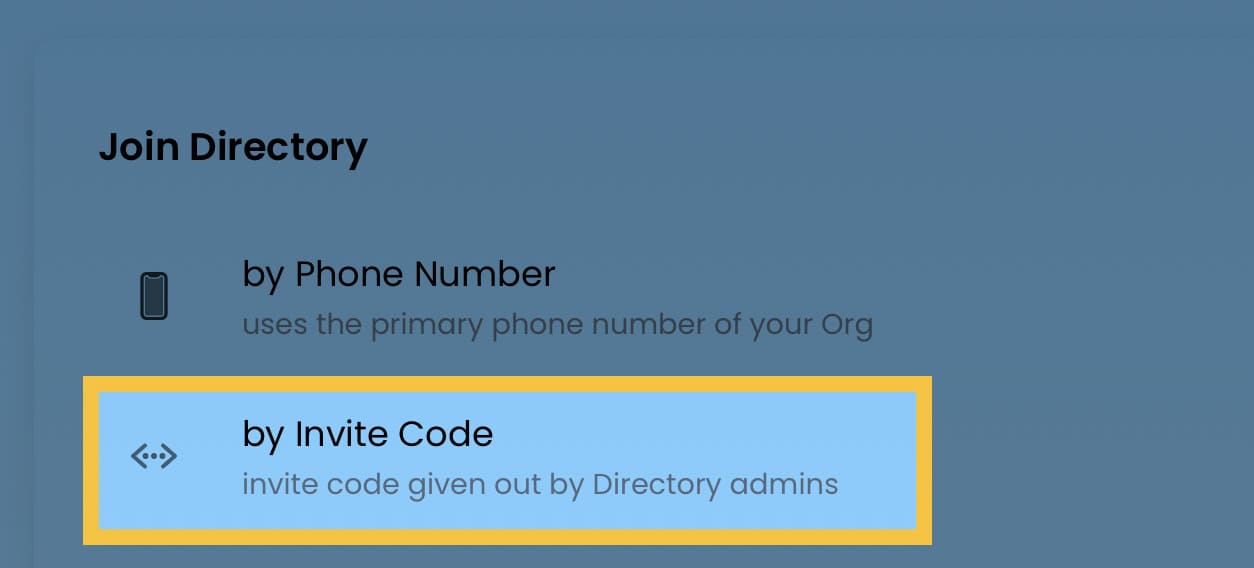
Click by Invite Code. Enter the code provided by your organization’s admin.
Once you are in your directory, you can continue to set up your account by adding your contact information and photo.